How to Put Your Loyalty Card in Apple Wallet and Google Wallet
Learn what it takes to put your business loyalty card in Apple Wallet and Google Wallet, from quick sign-up to faster repeat-visit tracking.
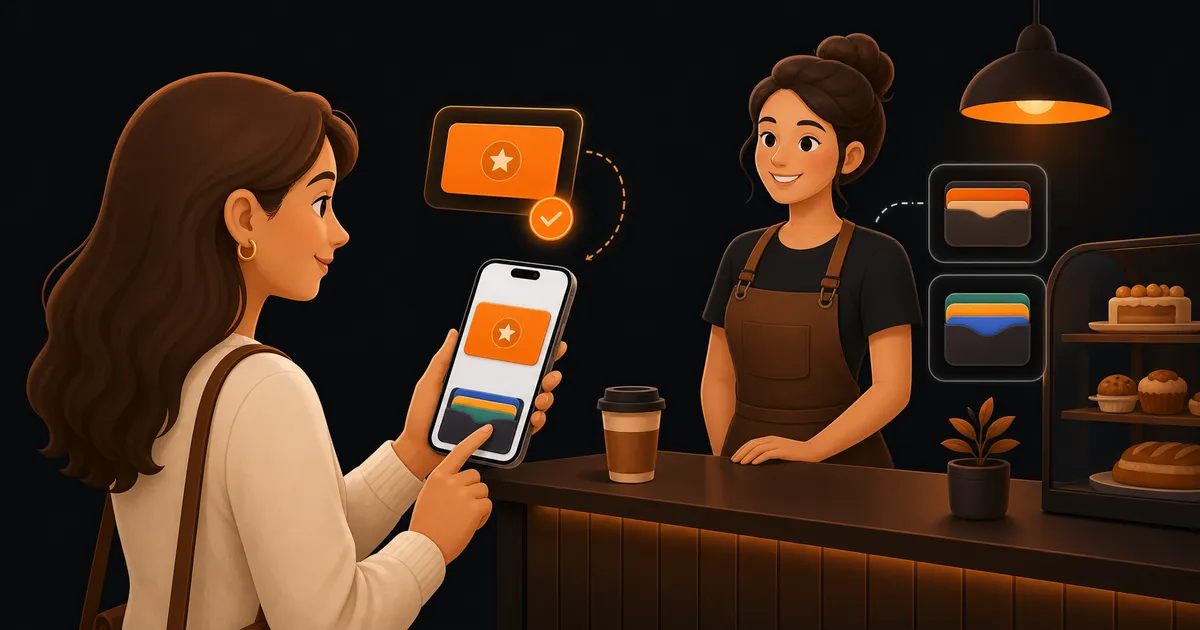
When business owners search for a better loyalty setup, they are often asking a simpler question before anything else: how do I make this easy enough that customers will actually keep using it? That is why so much attention has shifted toward Apple Wallet and Google Wallet. If the loyalty card lives where customers already keep payment cards and passes, it has a much better chance of showing up at the right moment.
Why wallet loyalty gets more attention now
Paper cards still look simple on day one. Then real life gets involved. A customer leaves the card in another coat pocket. A receptionist forgets to stamp it during a busy check-in. A regular reaches the counter, remembers they had a card somewhere, and gives up.
Wallet-based loyalty solves a practical problem. It is not about looking modern. It is about making the card easy to find when somebody is already paying, checking in, or booking their next visit.
That matters across a lot of repeat-visit businesses:
- A cafe regular ordering before work
- A salon client arriving for a six-week colour appointment
- A bakery customer grabbing the same Saturday loaf and coffee
The best loyalty card is the one customers can reach in seconds, not the one they mean to remember later.
What customers expect when they join
Think about a front-desk moment at a neighbourhood beauty studio. A client has just paid for a brow appointment and is half out the door because they need to pick someone up from school. Staff have maybe twenty seconds to explain the loyalty offer. If the answer is “download our app, make an account, verify your email, then come back to this screen,” that customer is unlikely to finish.
A wallet pass works better because the join flow can stay short. Scan a QR code, tap a link, save the card, and keep moving. The reward structure still matters, but the first win is removing the setup friction.
Customers expect four things:
- A card they can save in one short flow
- Clear progress toward the reward
- No need to remember another password
- A faster experience than paper, not a slower one
What staff need at the counter or check-in desk
Owners sometimes evaluate loyalty from the customer side only. In practice, staff workflow is where good ideas either survive or quietly die.
Picture a barista during the weekday breakfast rush. The queue is five people deep and a delivery driver is waiting on the side. If recording loyalty takes more than a few seconds, the team will skip it under pressure. The same thing happens in a pilates studio when class starts in ninety seconds, or in a salon when the next client has already arrived early.
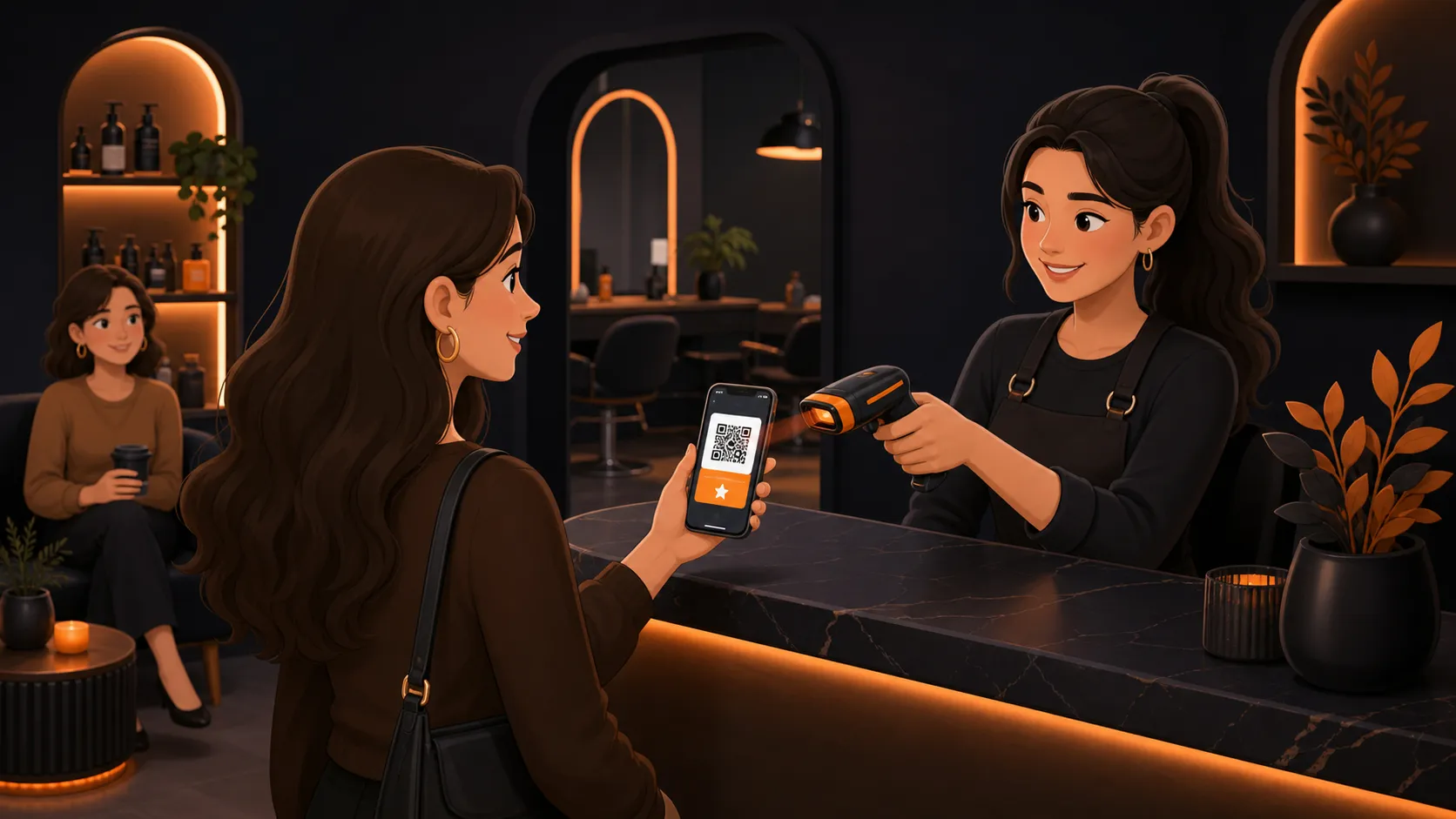
That is why wallet loyalty works best when the card can be scanned quickly and the visit can be recorded without extra explanation.
The useful test is simple: would this still work at your busiest moment of the week? If not, the process itself is too fragile.
Why Apple Wallet and Google Wallet beat a forgotten app
Many small businesses ask customers to install an app for one narrow purpose, then hope that app stays on the home screen forever. Most do not.
Wallet passes have a better starting point because they fit an existing habit. Customers already open their phone to pay or pull up tickets. Keeping a loyalty card in Apple Wallet or Google Wallet removes the extra mental step of remembering where the card lives.
This also helps with repeat behavior in ordinary situations. A regular who forgot their paper punch card at home can still collect the visit. A stylist does not have to manually promise, “I’ll remember it next time.”
For many businesses, that changes loyalty from something occasional into something consistent.
What a good wallet loyalty flow looks like
The strongest setup is usually the simplest one. Customers join from a QR code or link, save the card to their wallet, and show it each time they visit. Staff scan the pass and the customer sees progress straight away.
A quick real-world check
Imagine a bakery owner testing the process on a Saturday morning. One customer is balancing two coffee cups, another has a child tugging at their sleeve, and somebody else is paying with one hand while holding a bike helmet in the other. If all three people can still join or scan the loyalty card without slowing the line, the setup is probably in the right shape.
A good wallet loyalty flow should feel like this:
- Join in under a minute
- Save the card without downloading an app
- Scan or update the visit in a few seconds
- Show obvious progress toward a reward
- Give the business a way to follow up when regulars stop returning
That last point matters because loyalty is not only about the reward itself. It is also about knowing when a good customer has quietly dropped out of their normal pattern.
When it makes sense to switch from paper
You do not need a giant customer base to justify moving from paper cards to digital wallet loyalty. You need repeat traffic and enough missed loyalty moments that paper is starting to cost you visits.
That threshold often arrives earlier than expected. A hair salon may only need a few dozen regular clients before missed stamps and forgotten cards become annoying. A cafe may feel the pain when morning staff stop asking about the paper card because the queue is too long.
Apple Wallet and Google Wallet are not valuable because they sound new. They are valuable because they place the loyalty card in the same pocket routine customers already have. For small and medium-sized businesses, that can be the difference between a programme that exists and one that gets used.
If you want loyalty to stay visible between visits, it helps to put the card where customers already look every day. Launch wallet-ready loyalty cards - without asking customers to install another app.